Grow
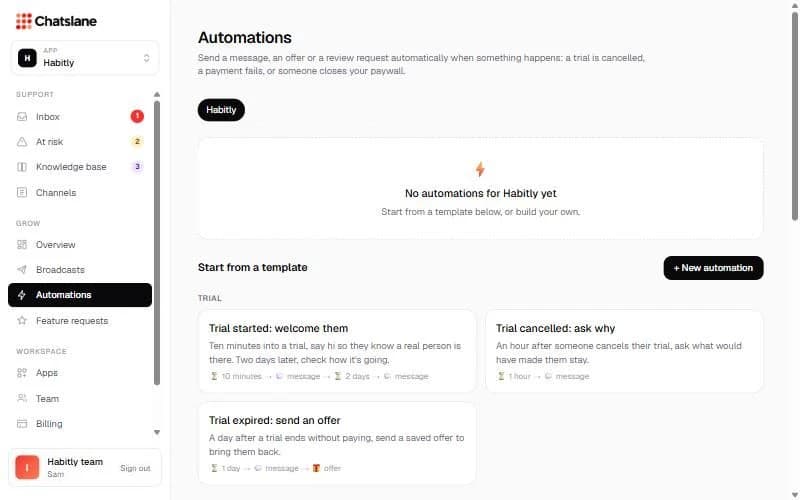
Automations
Send a message, offer or review request automatically when something happens.
Create an automation
- 1Go to Automations. Start from a template (trial, paying users, win back, app events) or click "+ New automation".
- 2"1 · When": pick a subscription event (like Trial cancelled or Billing issue) or an event your app sends.
- 3"2 · Who": everyone, free users or paying users, with up to 4 extra rules.
- 4"3 · Then": add steps like "Wait", "Send a message", "Send an offer" or "Ask for a review".
- 5Click "Create automation" and switch it on in the list.
Tip: Subscription events need your subscription tool connected first.
Stuck? Email us at info@chatslane.com.